Knowledge base
for VK
In 2024–2025 the team built a knowledge storage and management system for VK. A static FAQ base was turned into a full-fledged user support platform.
View original case study →Project context
The client — VK, the largest social network in Russia and the CIS. We needed to turn a static knowledge base into a universal platform: a knowledge base, support entry points, a quality scoring system (CSAT) and smart search — all under one roof, with flexible configuration for different business units.
The system was designed so new support scenarios could be launched without engineering involvement — through a multi-layered admin panel with a role model.
A static FAQ couldn't handle the scale
The knowledge base was structured as a set of disconnected articles — with no flexible architecture, no admin roles, and no way to measure support quality. At this scale that limited both users and the business units that needed their own content setup.
Build a universal platform
Design a scalable FAQ architecture, build a multi-layered admin panel with a role model, add feedback tools (CSAT, support tickets) and fast smart search — accounting for both authenticated and anonymous user scenarios, with a logging system for analytics.
How we solved it
- 01
FAQ architecture
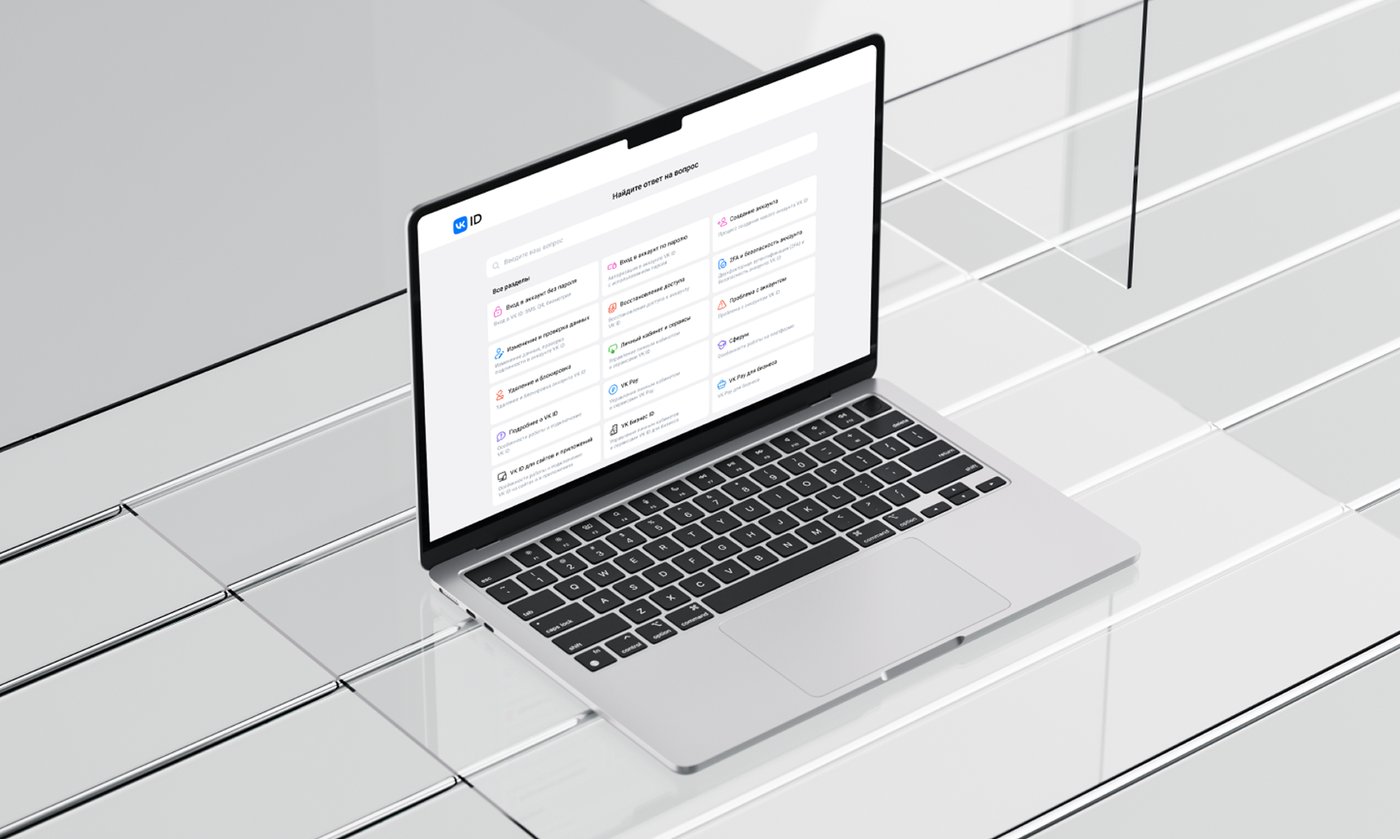
We designed a tree-like data structure: section → category → subcategory → topic → article, automatically adapting from 2 to 5 levels depending on the product.
- 02
Admin panel and roles
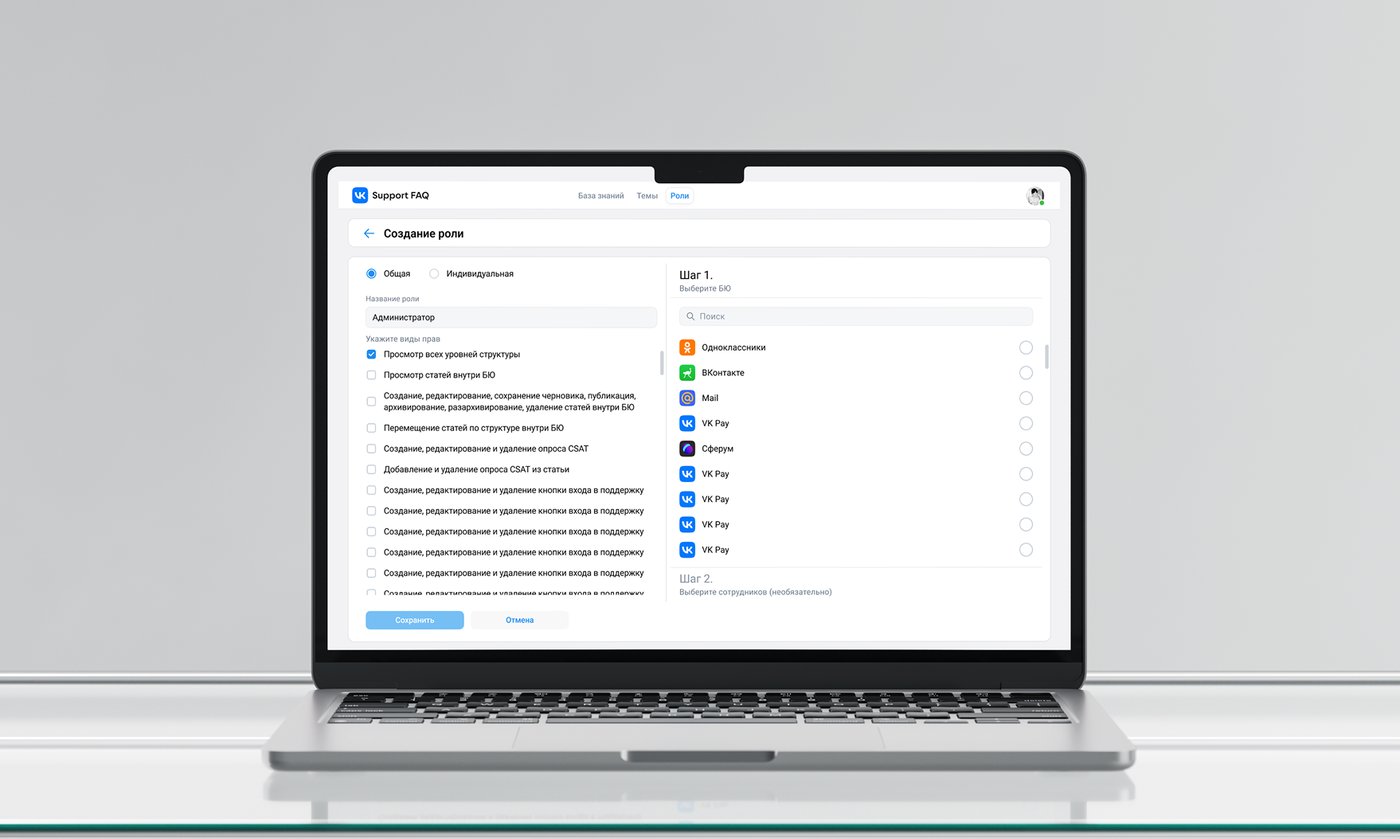
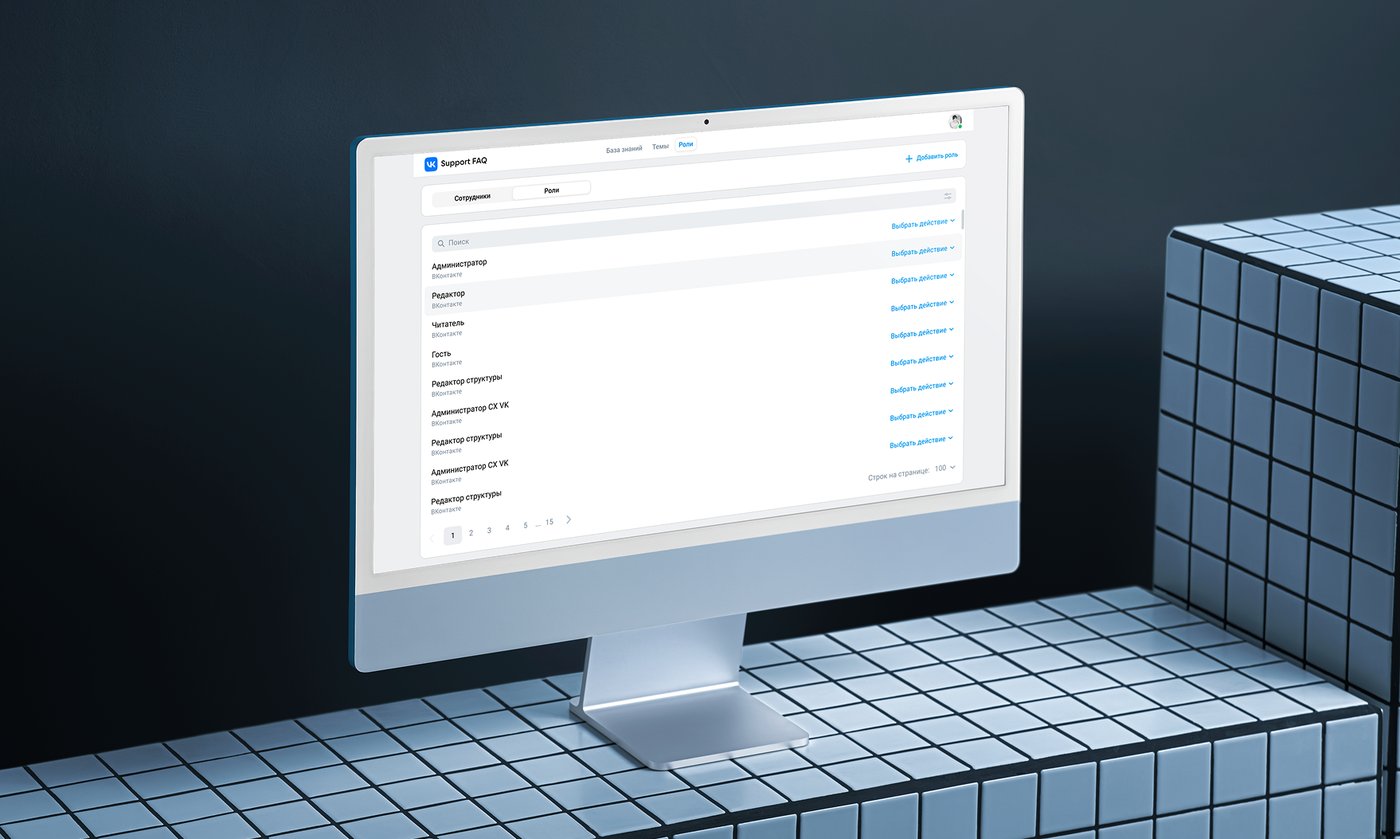
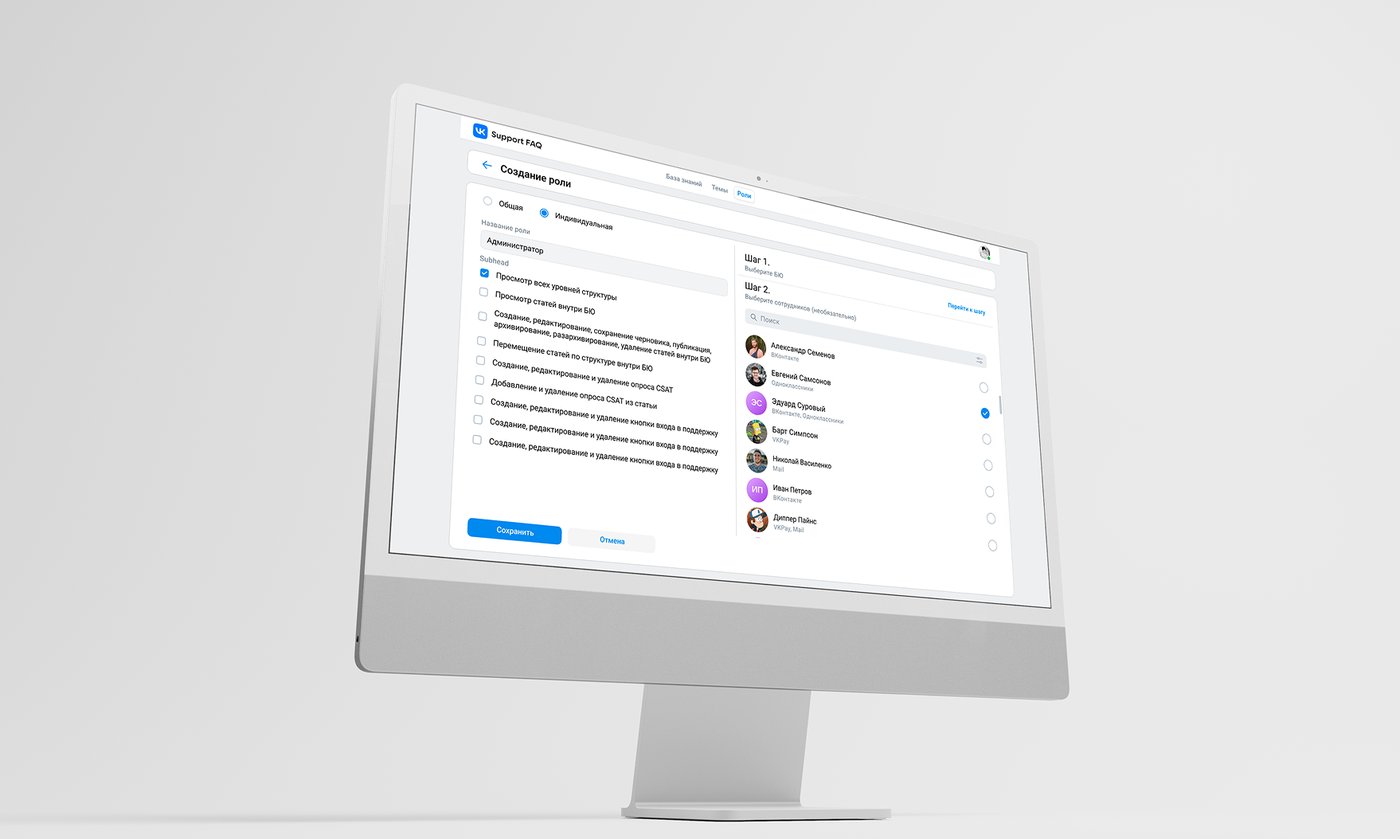
We built an article management system with a full lifecycle — draft, published, archived — accounting for differences across web, iOS and Android, plus a role model with 5 roles and different access rights.
- 03
Search and feedback
We implemented smart search that handles typos and fuzzy matches, synonyms, CSAT scoring, and builders for support entry points and surveys.
- 04
UX and VK ID integration
We mapped out seamless navigation through the CJM, placed smart search both for users and in the admin sidebar, built the interface on VK UI components, and set up logging for analytics.
What it looks like

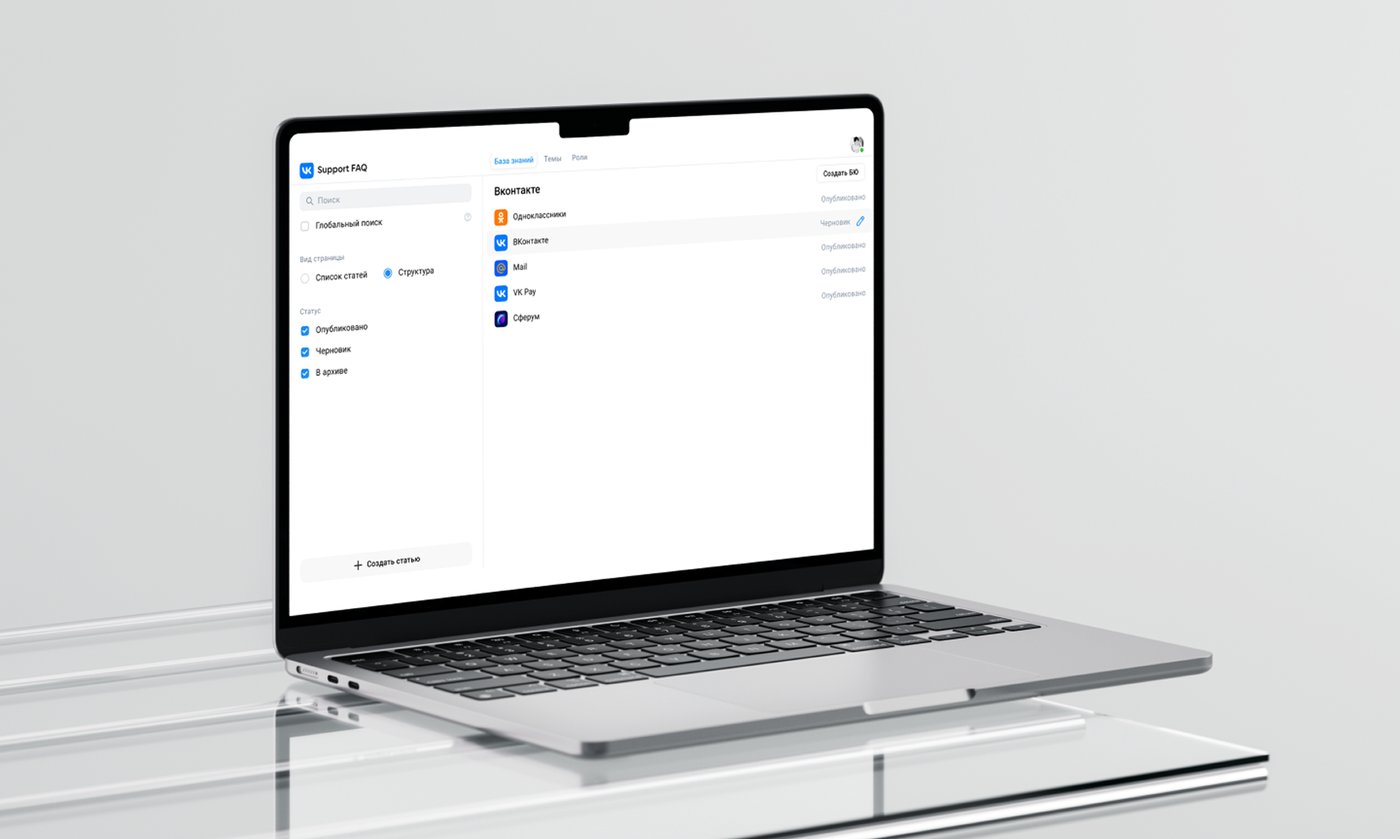
"We ended up with a single knowledge base and support platform across the VK ecosystem — teams publish and update content without engineering involvement."— VK team
What we achieved
Users resolve issues on their own more often, the team gained behavior analytics tools, and new support scenarios can launch without engineering involvement — the architecture was designed to scale from the start.